Void Software Store
Modern GUI for software management on Void Linux
Void Software Store
The Void Software Store is a modern graphical user interface (GUI) for software management under Void Linux. It was developed to bridge the gap between the native package manager (XBPS) and the Flatpak ecosystem, offering a user-friendly interface with the latest GTK4/Libadwaita design.
Key Features
Hybrid Package Management
Install and remove applications from both XBPS repositories (native) and Flathub (Flatpak) in a unified interface.
Repository Control
Enable/disable Void system repositories (Non-Free, Multilib) and Flathub easily with switches – no terminal required.
Update Monitor
A background service with a system tray icon automatically informs you about available updates and allows one-click updating.
Special Scripts
Integrated support for custom install scripts (e.g., for Multimedia codecs, FreeOffice, or QMapShack).
Multilingual
The interface is fully localized in English, German, French, and Spanish.
Customizable
The app list is based on an external apps.json and can be easily extended without changing the code.
Installation / Update
Download the .tar package and run the installation script:
sudo ./install.sh
The script installs all dependencies (GTK4, Python-GObject, Ayatana AppIndicator), copies files to /usr/local/bin/software, and sets up menu entries and autostart.
Details
- Version: 1.9
- Last Update: 05/2026
- Platform: Void Linux
- License: Open Source
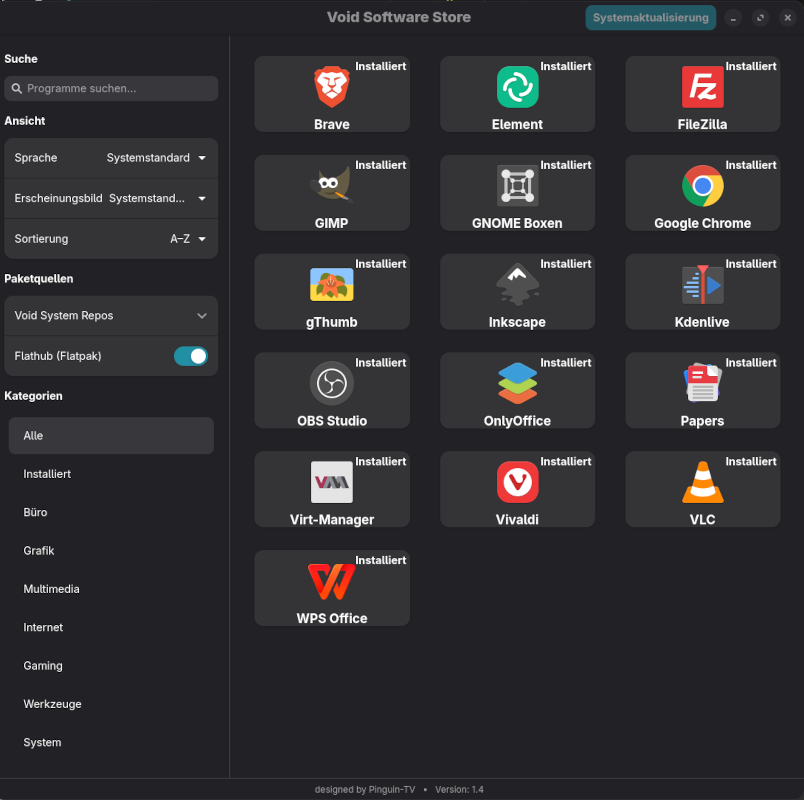
Main WindowClean software management overview
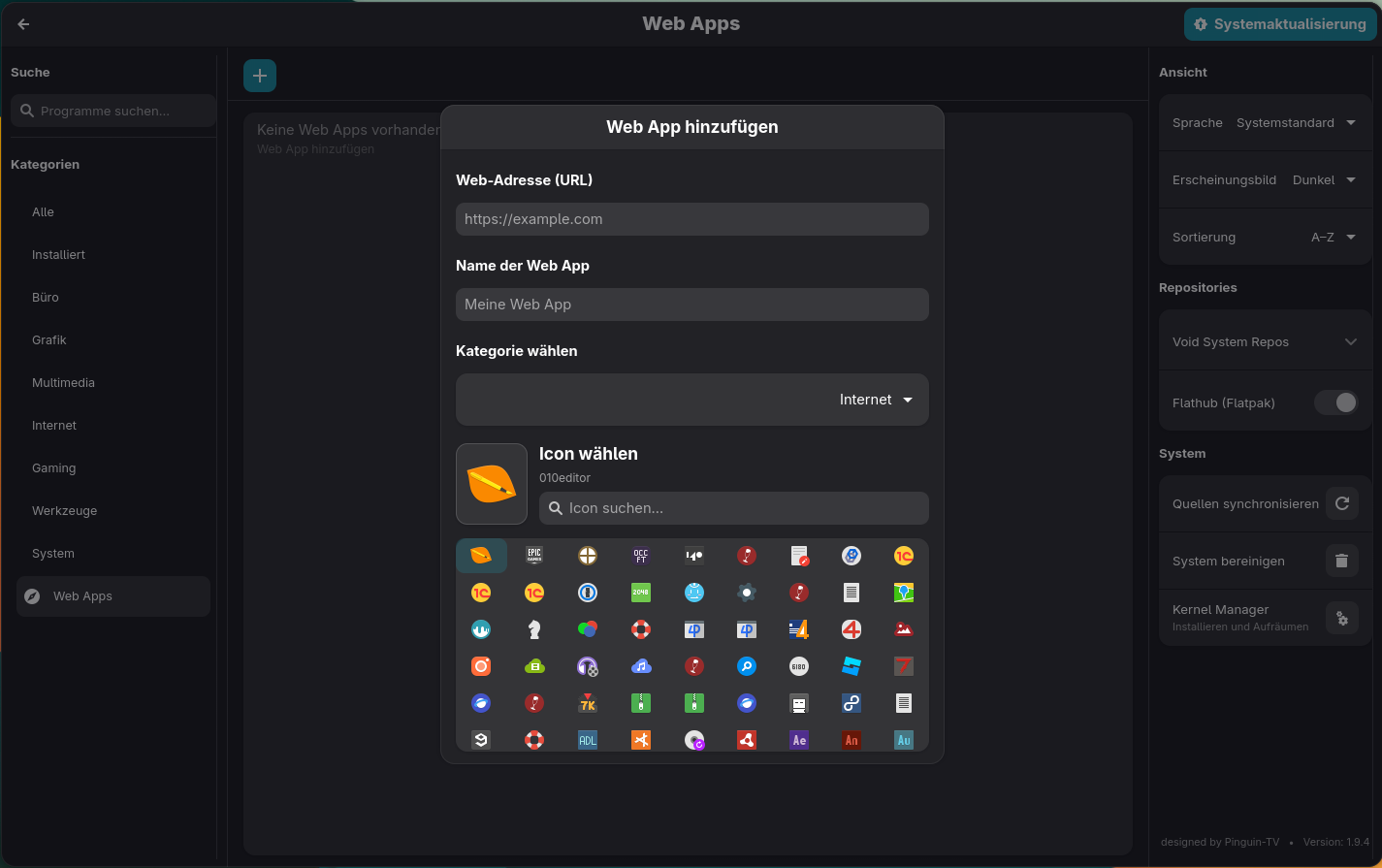
XBPS, Flatpak und AppimagesSimple click installation

Version NumbersDisplays current app versions
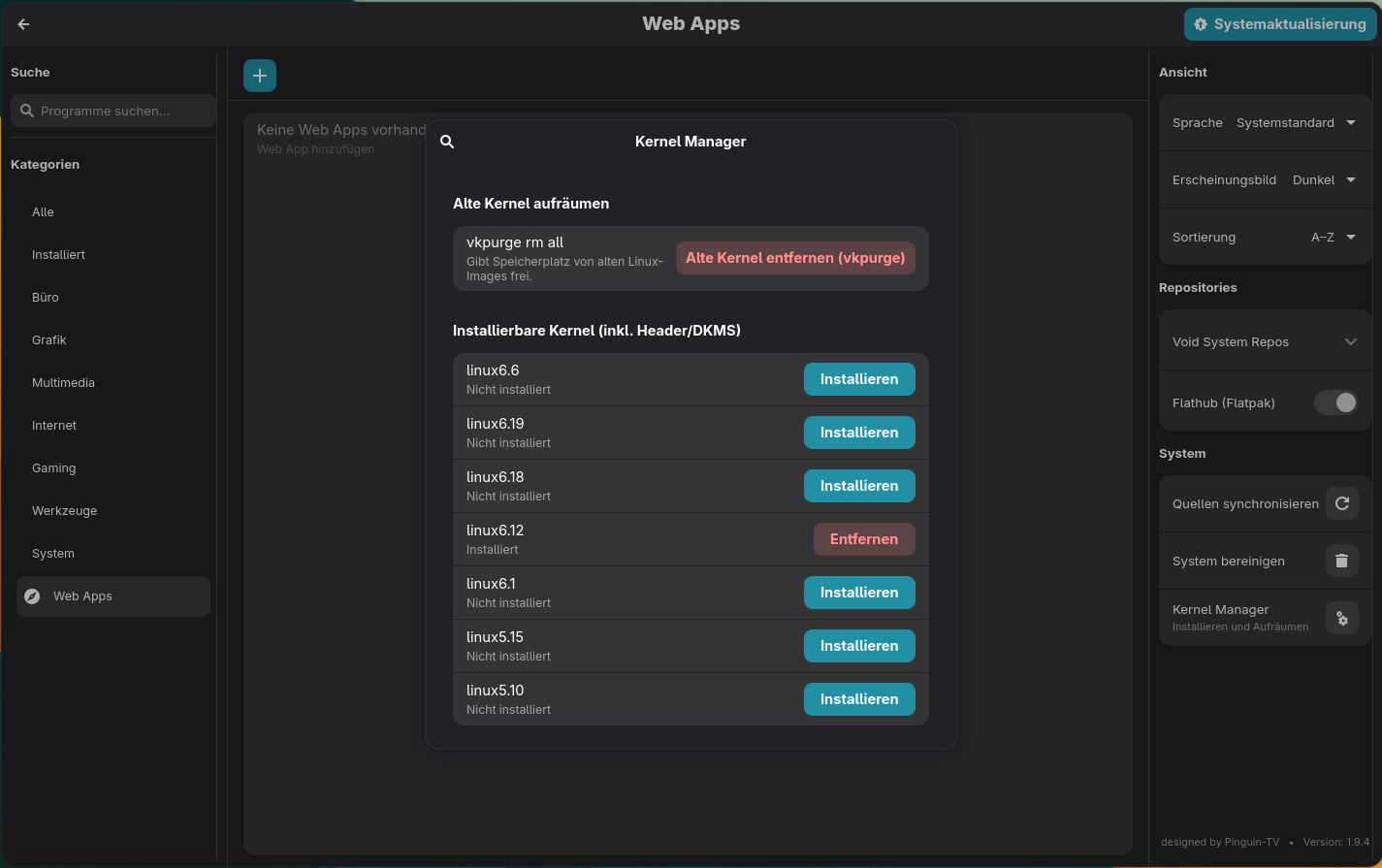
Kernel-Managereasy install Kernel

Support MeI appreciate every donation!